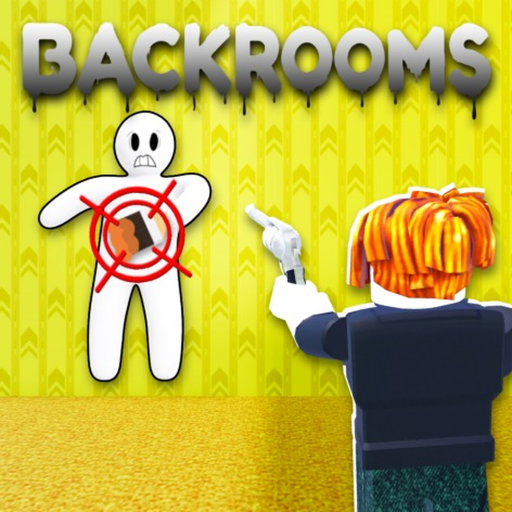
Matching a swatch, not the scene
Lighting, nearby patterns, and the full visible surface matter more than one small color sample.
Use color match, surface fit, silhouette control, cover and movement discipline to improve camouflage in Chameleon! on Roblox.
Use a color pool to prepare your dummy, then choose a wall, floor, or object that supports both the color and the body shape. Settle where the outline looks natural, limit movement, and avoid the route a Seeker is most likely to inspect. Exact paint controls and mixing behavior remain dependent on the current game UI.
Match the largest visible area you can use, not a tiny patch that disappears from the Seeker's viewpoint. If two colors are close, prefer the one paired with a safer surface and lower traffic.
Walls, floors, and objects are official surface families. A good fit makes the body look like part of the scene rather than a correctly colored object placed in the wrong orientation.
Check the outer edge of the dummy. Corners, nearby geometry, and object edges can hide part of the outline, but protruding limbs or an isolated shape can attract attention.
Do not choose a spot that requires constant repositioning. Watch where Seekers naturally pass and avoid making a last-second move across an open line of sight.
Before settling, identify an exit or second surface. Escape access matters less than color, but it helps when the search pattern reaches your area.
Return to the role and timer shown in your current server, identify the first visible problem in the plan, and change only that part. For a hiding choice, compare color, surface fit, silhouette, traffic, cover, movement, and escape access. Do not import controls, codes, currency, or community links from a different Chameleon game.
Check a hiding spotLighting, nearby patterns, and the full visible surface matter more than one small color sample.
Color is only one part of camouflage. A crisp human-shaped edge can remain obvious.
Movement is practical visual evidence for a Seeker even when no special detection mechanic is documented.
The official description says to use color pools; follow the current in-game prompts for exact controls.
Yes. Objects are one of the surface families named in the official game description.
Surface fit, silhouette, traffic, cover, movement, and escape access all change the visible risk.
No. It is a transparent fan-made comparison model.
See every Chameleon! guide next to this one and pick the next decision to improve.
Check verified roles, surfaces, and dated economy answers for this exact place.